Google Business Profile: The Complete Guide
A well set up Google Business Profile makes the difference when someone searches for “pharmacy near me” or “restaurant Patras”, because Google first shows them a map with three businesses. However, those three spots get most of the clicks, calls and visits. Therefore, this profile decides whether your business appears there. In this guide you’ll see what it is, how to set it up properly, how Google decides who to show and what you can do to climb the local results.
What Is Google Business Profile?
Google Business Profile is your business’s free profile on Google. It used to be called Google My Business, and many people still search for it by that name. In addition, it appears on Google Maps and on the right side of search results, showing at a glance everything a customer needs to know: address, hours, phone number, photos, reviews and a link to your website.
In other words, for many customers this profile is their first contact with your business, before they even visit your site.
Why Does a Google Business Profile Matter for a Local Business?
- Visibility: Customers find you at the moment they’re looking for what you offer, close to them.
- Direct contact: With one tap they can call you, get directions or visit your site.
- Trust: Reviews and photos work as a recommendation before they’ve even met you.
- Zero cost: The profile is free. However, it takes a correct setup and regular care.
How to Set Up Your Google Business Profile Step by Step
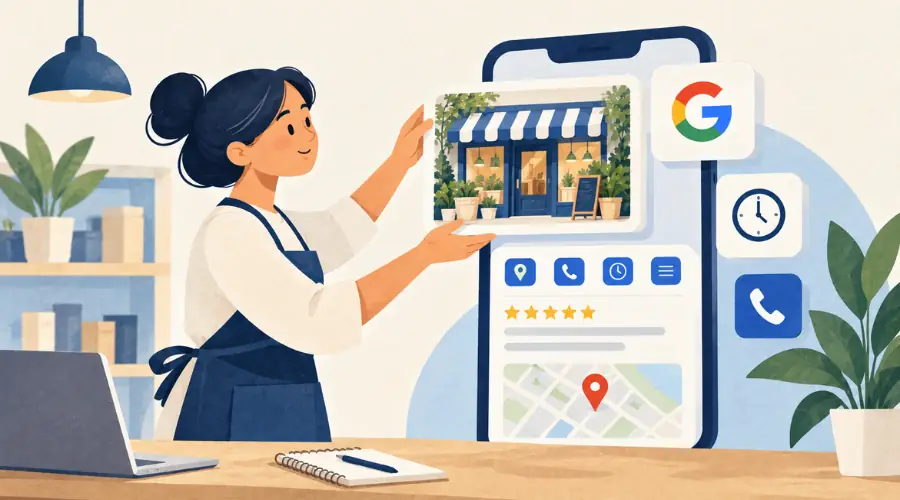
Sign In to Google Business Profile
First, go to business.google.com with your business’s Google account. It’s best to use a company account rather than your personal one, so the profile stays with the business even if someone on the team changes.
Business Name and Category
Use your real business name, exactly as it appears on your sign, without extra keywords. Then, choose the primary category that describes you accurately. It’s one of the most important choices, because it helps Google understand which searches you match.
Address or Service Areas
Add your address if customers visit you. On the other hand, if you go to them, like a plumber or a cleaning service, set service areas and keep your address hidden.
Phone Number and Website
Add the phone number and website you want customers to use. Also, make sure they match what’s on your site.
Verify Your Google Business Profile
Finally, Google will ask you to confirm the business is yours. The verification method varies depending on the business, and Google shows you which options you have. For example, it may be a code by text message, a phone call, an email or a short video where you show your sign, your premises and something that proves you manage them, such as the keys or the till. Without verification, your profile is far less likely to appear.
How Does Google Rank a Google Business Profile on Google Maps?
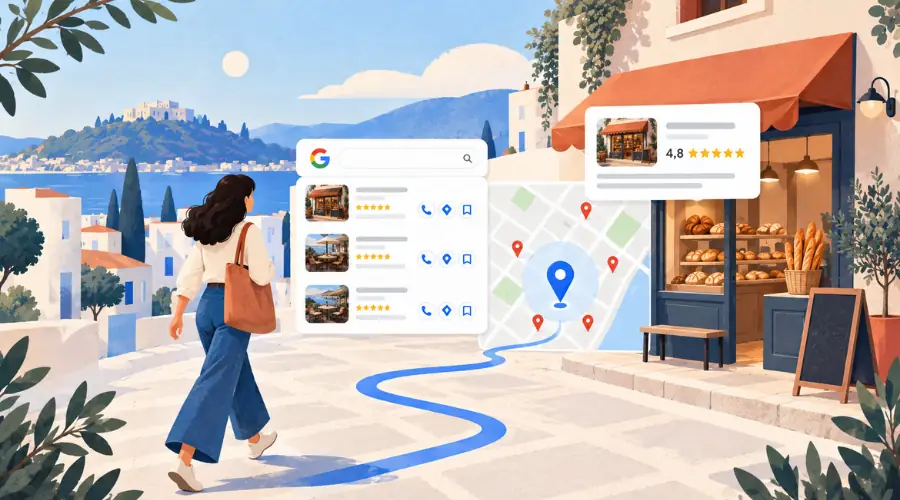
According to Google, local results are based mainly on three factors.
Relevance
How well your profile matches what the user is searching for. As a result, the more you complete your information, the better Google understands you and the more searches you can appear in.
Distance
How close you are to where the search is made. You can’t control this factor, which is why the other two are worth working on.
Prominence
How well known your business is. Reviews, ratings and websites linking to you all count.
However, Google is clear that you can’t pay for a better local ranking. It’s earned through work on your profile.
7 Ways to Rank Your Google Business Profile Higher on Google Maps

1. Complete Every Section of Your Profile
Hours, special holiday hours, description, services, products and attributes such as wheelchair access or parking. As a result, every field you fill in gives you one more chance to appear in a search.
2. Choose the Right Categories
One accurate primary category and a few secondary ones that match what you actually do. For example, a café that also serves brunch can add that category too.
3. Upload Real Photos
Storefront, interior, products, team. Real photos, not stock. In addition, they help customers recognize you when they arrive and show that the business is alive.
4. Ask Your Customers for Google Reviews
Most happy customers don’t leave a review simply because nobody asked them to. That’s why you should send your review link by email or message, or place a QR code at the till.
5. Reply to Every Review
Thank people for positive reviews and respond calmly and constructively to negative ones. After all, future customers read your replies too.
In other words, a good reply acknowledges the problem, doesn’t blame the customer and shows willingness to make it right.
6. Post Regular Updates
New products, offers, events. Updates show that your business is active and, in addition, give customers one more reason to choose you.
7. Connect Your Google Business Profile to Your Website
Same name, address and phone everywhere: on your profile, your site and your social media. Also, a fast, mobile friendly website strengthens your credibility and completes what your profile starts.
How to Measure Your Google Business Profile Results
Inside your profile you’ll find performance insights that show how customers find you. That’s why they’re worth checking every month:
- Searches: Which terms people used to reach your profile.
- Views: How many times you appeared on Google Maps and in search.
- Calls: How many people called you directly from the profile.
- Directions: How many people asked for a route to your business.
- Website clicks: How many went on from your profile to your site.
For example, if views are rising but calls aren’t, you may need better photos or more reviews. On the other hand, if views aren’t rising either, start with your categories and profile details.
Common Google Business Profile Mistakes to Avoid
- Keywords in your name: “Nick’s Grill Best Souvlaki Patras” breaks Google’s guidelines and can lead to suspension.
- Buying reviews: Fake reviews are prohibited, and Google detects and removes them.
- Outdated hours: A customer who finds you closed when your profile said open rarely comes back.
- Duplicate profiles: If there are two listings for the same business, request a merge or removal of one.
Google Business Profile FAQ
Does Google Business Profile cost anything?
No. Creating and managing your profile is free. You only pay if you choose to run Google ads, which doesn’t affect your organic position on the map.
Can I have a profile without a physical store?
Yes. If you serve customers at their location, you create a profile with service areas and your address isn’t shown publicly.
How long does it take to rank higher on Google Maps?
There’s no fixed timeline. It depends on the competition in your area, how complete your profile is and the reviews you collect. Therefore, consistent care brings better results than a one-off effort.
What if someone changes my business details?
Users can suggest edits to a profile. That’s why it’s important to have a verified profile and check it regularly, so you can approve or reject changes.
Your Google Business Profile is your business’s digital storefront. It’s free, customers see it at the moment they’re looking for what you offer, and it often decides whether they choose you. Therefore, to stand out on Google Maps, you need complete and accurate details, real photos, reviews you reply to and a profile that’s updated regularly. However, you don’t have to do everything at once. Start with the basics, keep an eye on your insights and improve step by step. After all, consistent care is what moves your business higher on the map.
Read also: SEO Basics
🚀 Interested in improving your digital presence? Contact us to see how we can help your business grow online.
👉 Call us at +302610318598.